Top picks: ColorSnap, Benjamin Moore Color Portfolio, Behr ColorSmart, PPG, and Project Color.
Choosing exterior paint is hard because light changes all day and colors shift on big surfaces. I test color tools for a living and have used them on real houses. In this guide, I break down the best app for picking exterior paint colors, when to use each one, and how to get results you can trust. Read on for expert tips, field-tested picks, and a simple plan you can follow today.
What makes an app great for exterior colors
Not all color apps are equal. Exterior work needs tools that handle light, texture, and big surfaces. When I judge the best app for picking exterior paint colors, I look for a few key things.
- Photo masking that is fast and clean on siding, trim, brick, and stone
- Live AR that stays stable outdoors and handles glare
- Color match from photos or a sensor with clear accuracy notes
- LRV, sheen, and undertone info in plain language
- Large, pro-grade fan decks with easy search and filters
- Save-and-share boards for fast feedback with your painter or HOA
- Swatch and sample ordering right from the app
- Works well on both iOS and Android, and on older phones
- Privacy controls for photos and location data
Pro tip: Learn LRV. Light Reflectance Value tells you how light or dark a color is. On exteriors, mid-LRV values often look safer across seasons.

The best app for picking exterior paint colors: top picks and who they suit
Below are the tools I reach for first. Each shines in a different way. This helps you choose the best app for picking exterior paint colors for your home and budget.
Sherwin-Williams ColorSnap Visualizer
- Best for fast AR and large color library.
- Pros: Strong live view, excellent masking, LRV shown, easy sample orders.
- Consider: Colors lean warm on some cameras. Confirm with real swatches.
- Platforms: iOS, Android. Free.
Benjamin Moore Color Portfolio
- Best for rich neutrals and subtle grays.
- Pros: Good AR, solid undertone control, great whites for trim.
- Consider: AR can drift in harsh sun. Use photo mode at noon or shade.
- Platforms: iOS, Android. Free.
Behr ColorSmart
- Best for Home Depot shoppers and renters.
- Pros: Clean photo paint tool, quick palettes, store stock links.
- Consider: AR is basic. Use still photos for better edge control.
- Platforms: iOS, Android, web. Free.
Home Depot Project Color
- Best for mixed-brand browsing in one place.
- Pros: Simple interface, broad color access, easy to compare carts.
- Consider: Fewer pro controls. Great for first-time users.
- Platforms: iOS, Android. Free.
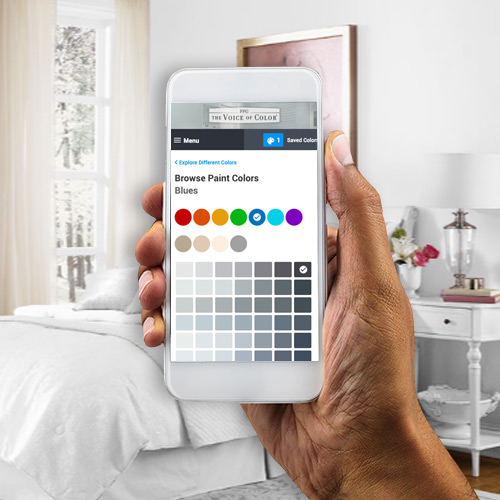
PPG Paints Visualizer
- Best for lively colors and modern exteriors.
- Pros: Nice suggestions, fast masking, helpful exterior sets.
- Consider: Catalog feels smaller. Accuracy is good with samples.
- Platforms: iOS, Android, web. Free.
Valspar Visualizer
- Best for big-box shoppers who want quick picks.
- Pros: Friendly palettes, handy photo try-on.
- Consider: Fewer pro metrics. Test on site before you commit.
- Platforms: iOS, Android, web. Free.
Dunn-Edwards InstaColor
- Best for the US Southwest and sun-heavy regions.
- Pros: Region-aware palettes, desert-friendly neutrals.
- Consider: Catalog focus is regional. Still useful elsewhere.
- Platforms: iOS, Android. Free.
Nix or Color Muse (with sensor)
- Best for exact color matching on site.
- Pros: Real surface scans, great for matching stone or roof tones.
- Consider: Needs a paid sensor device. Still verify with daylight tests.
- Platforms: iOS, Android. App free, device paid.
Hover or Roof/Exterior 3D apps
- Best for 3D views and complex homes.
- Pros: Scaled models, multi-surface planning, great for HOA submittals.
- Consider: Cost or per-project fees. Worth it for large projects.
How I pick: If a client asks what is the best app for picking exterior paint colors for quick AR, I start with ColorSnap. For neutral depth, I reach for Color Portfolio. For big-box access, Project Color and Behr ColorSmart do the job. This mix covers most homes and keeps work smooth.
5 Tested Best Paint For Smoke Smell: Top Odor-Blocking Picks 2026

How accurate are paint color apps?
Color apps are guides, not judges. Cameras auto-correct color. Sunlight shifts from warm morning to cool noon. Screens add their own tint. That said, the best app for picking exterior paint colors gets you 80–90% there. The last 10–20% comes from real-world swatches and test patches.
Use this rule: decide in the app, confirm on the wall. Test in morning, noon, and late day light. Check beside the roof, stone, and driveway. Large samples help your eye read the real undertone.
Are paint visualizer apps accurate?
They are directionally accurate if you control light and glare. They do not replace on-wall samples, but they help you shortlist fast.
Can AR show sun fade or dirt pick-up?
No. AR shows color, not weathering. Ask your paint store about UV resistance and choose the right sheen for washability.
Do I need a color sensor?
Not always. A sensor helps when you must match brick, roof, or old paint. For new schemes, a good app plus large swatches works well.
Light tip: Use a gray card to calibrate your camera in photo mode. It reduces color cast and makes comparisons fair.
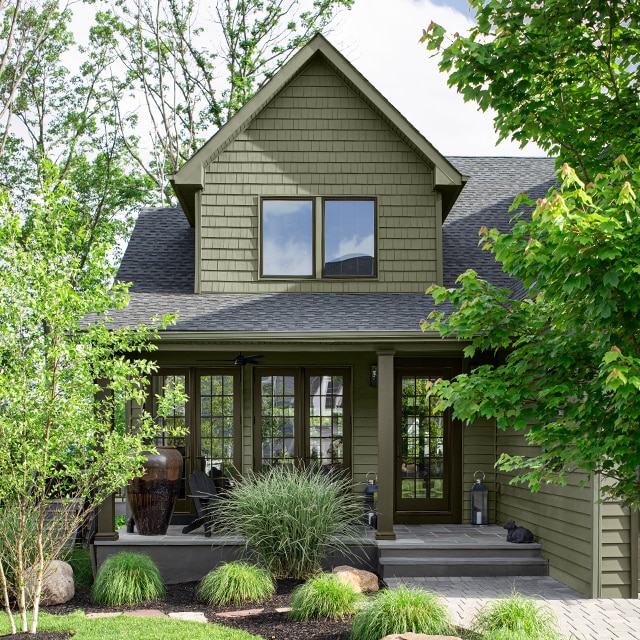
Step-by-step workflow to choose an exterior color with any app
Follow this simple plan. It keeps choices clear and stress low. It also helps you use the best app for picking exterior paint colors the right way.
- Shoot clean photos at noon or in open shade.
- Turn off portrait filters. Keep images sharp and flat.
- In the app, mask siding, trim, doors, and accents as separate zones.
- Pick three families: warm, cool, and neutral.
- For each family, test a light, mid, and dark color.
- Save boards with labels: siding, trim, door, stone.
- Check LRV. Aim mid-range for siding on sun-heavy lots.
- Order large swatches or peel-and-stick samples of your top three.
- Test on the home. View morning, noon, and dusk.
- Ask for one more trim tweak. Small shifts change curb appeal fast.
This flow is fast, repeatable, and client friendly. It is how I use the best app for picking exterior paint colors on paid projects.

Real-world lessons from the field
I once had a west-facing ranch where every gray looked blue by 5 p.m. Apps pushed me to cooler grays. Test patches showed the truth. We warmed the gray by a hair and it looked perfect all day.
On a craftsman remodel, ColorSnap gave a great sage green for siding. But the white trim glared in sun. The app looked fine indoors. Outside, we dropped trim LRV a bit. The house calmed down.
Lessons you can use:
- Always test next to fixed elements like roof and stone.
- Trim often needs a softer white than you think.
- Dark doors look richer with satin, not flat.
- Use the best app for picking exterior paint colors to narrow, not to lock.
Those small changes saved time, money, and touch-ups.

Common mistakes and easy fixes
Here are mistakes I see and how to fix them fast with the best app for picking exterior paint colors.
- Choosing color at night on a warm screen. Fix: View on a neutral device at noon.
- Ignoring LRV. Fix: Keep siding mid-LRV; use darker tones for doors or accents.
- One white for everything. Fix: Softer white on trim, brighter on fascia if needed.
- No sample on stucco or brick. Fix: Texture shifts color. Always test on the real surface.
- Skipping sheen tests. Fix: Try flat or matte for siding, satin for doors and trim.
- Not labeling boards. Fix: Save each scheme with clear names and notes.
Use checklists inside your chosen app. It keeps the process clean and reduces guesswork.
Budget, privacy, and data notes
Most color visualizers are free. Sensors and 3D tools can cost more. For a single home, free apps plus peel-and-stick samples are enough. For larger estates or HOA work, a paid 3D model may be worth it.
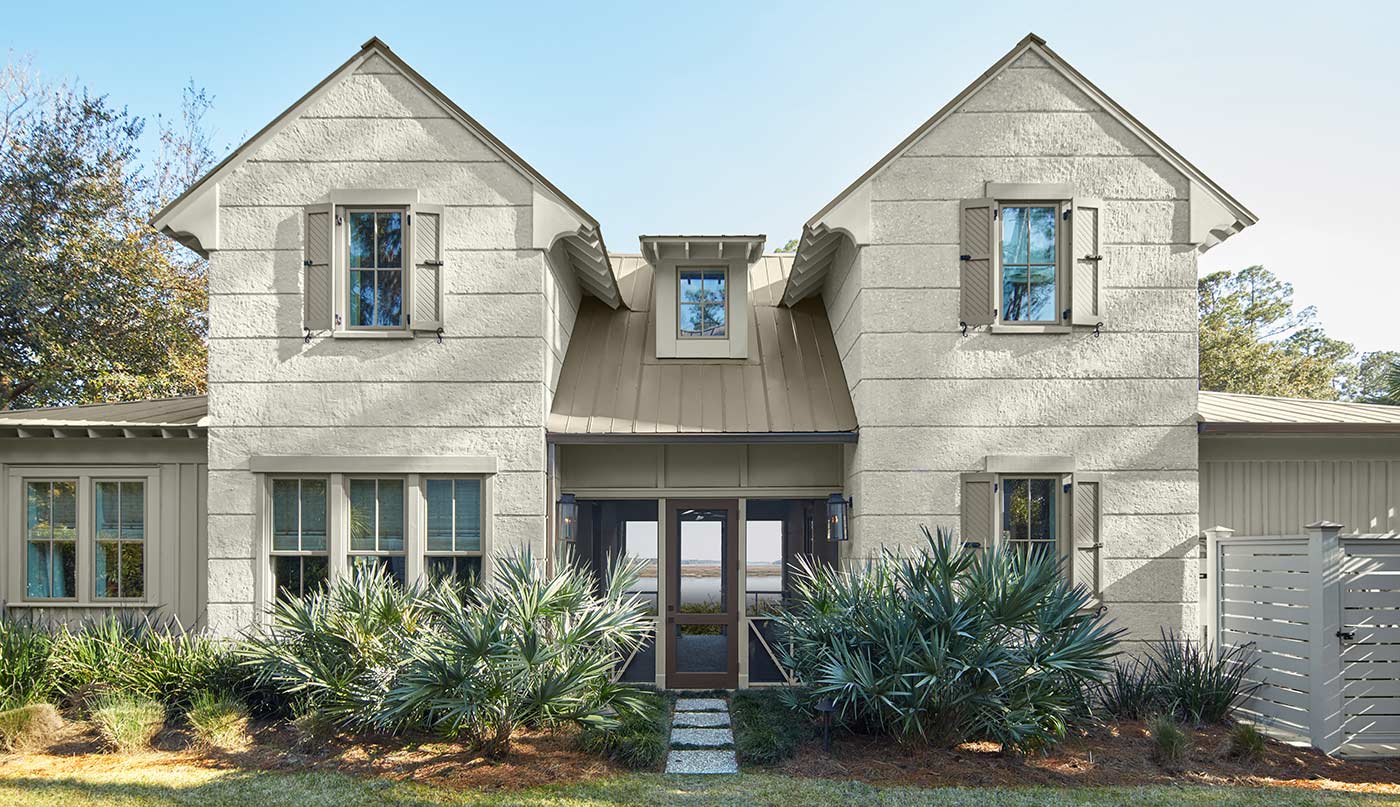
Privacy matters. Many apps ask for camera, photo, and location access. Use only what you need. Delete uploads you no longer use. When you choose the best app for picking exterior paint colors, also choose a brand that explains how your data is used.
If you work with a pro, share boards, not your full photo roll. Simple steps keep your project and data safe.
Frequently Asked Questions of what are the best app for picking exterior paint colors
What is the best app for picking exterior paint colors if I want fast AR?
ColorSnap is a strong start for live AR and quick masks. Benjamin Moore and PPG also perform well for outdoor scenes.
Which is the best app for picking exterior paint colors with great neutrals?
Benjamin Moore Color Portfolio is a standout for subtle grays and off-whites. It also shows helpful undertone info.
What is the best app for picking exterior paint colors on a tight budget?
Behr ColorSmart and Home Depot Project Color are free and easy. Pair them with peel-and-stick samples for accuracy.
What is the best app for picking exterior paint colors when matching stone or roof?
Use a sensor app like Nix or Color Muse with a handheld scanner. It reads the real surface and suggests close matches.
What is the best app for picking exterior paint colors for HOA submissions?
Try a 3D tool like Hover for scaled views. It helps boards approve faster because they can see the whole scheme.
Conclusion
The right tool makes color choice simple and calm. Use an app to explore fast, then trust large outdoor samples to confirm your pick. Start with one of the best app for picking exterior paint colors above, follow the workflow, and you will land on a scheme you love year-round.
Ready to move? Download your top app, shortlist three schemes, and order samples today. Want more field-tested tips like this? Subscribe and drop your questions in the comments.